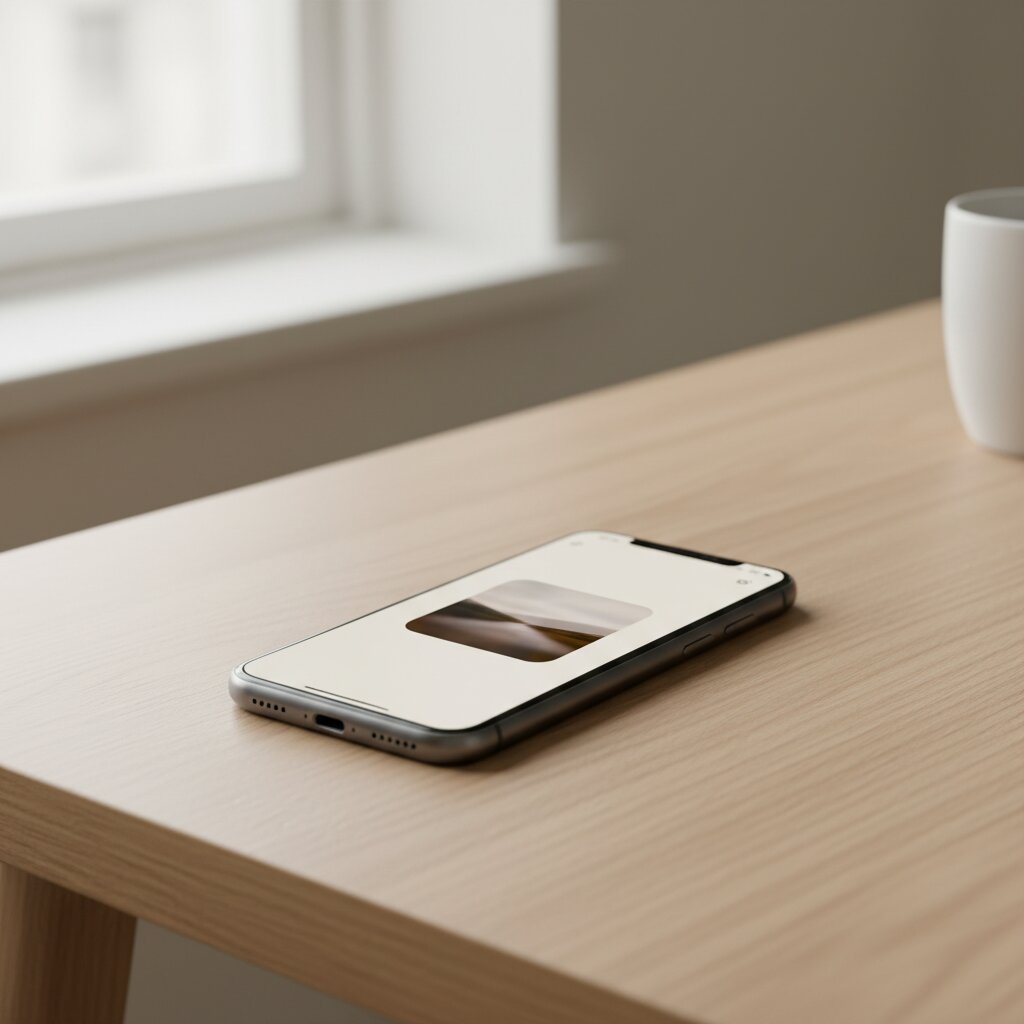
Upload
Each team member uploads one or two photos of themselves. Drag-and-drop or file picker. We auto-resize to 2048px and keep originals on an EU server (Denmark), deletable on demand.
From iPhone photo to editorial portrait in five steps. Each takes seconds. The whole flow is built so it asks nothing of you beyond the first photo.
We designed PhotoOpus to remove the friction between a casual snapshot and an editorial portrait. Neither the customer nor the team member has to set anything up. The studio is software.
Each team member uploads one or two photos of themselves. Drag-and-drop or file picker. We auto-resize to 2048px and keep originals on an EU server (Denmark), deletable on demand.
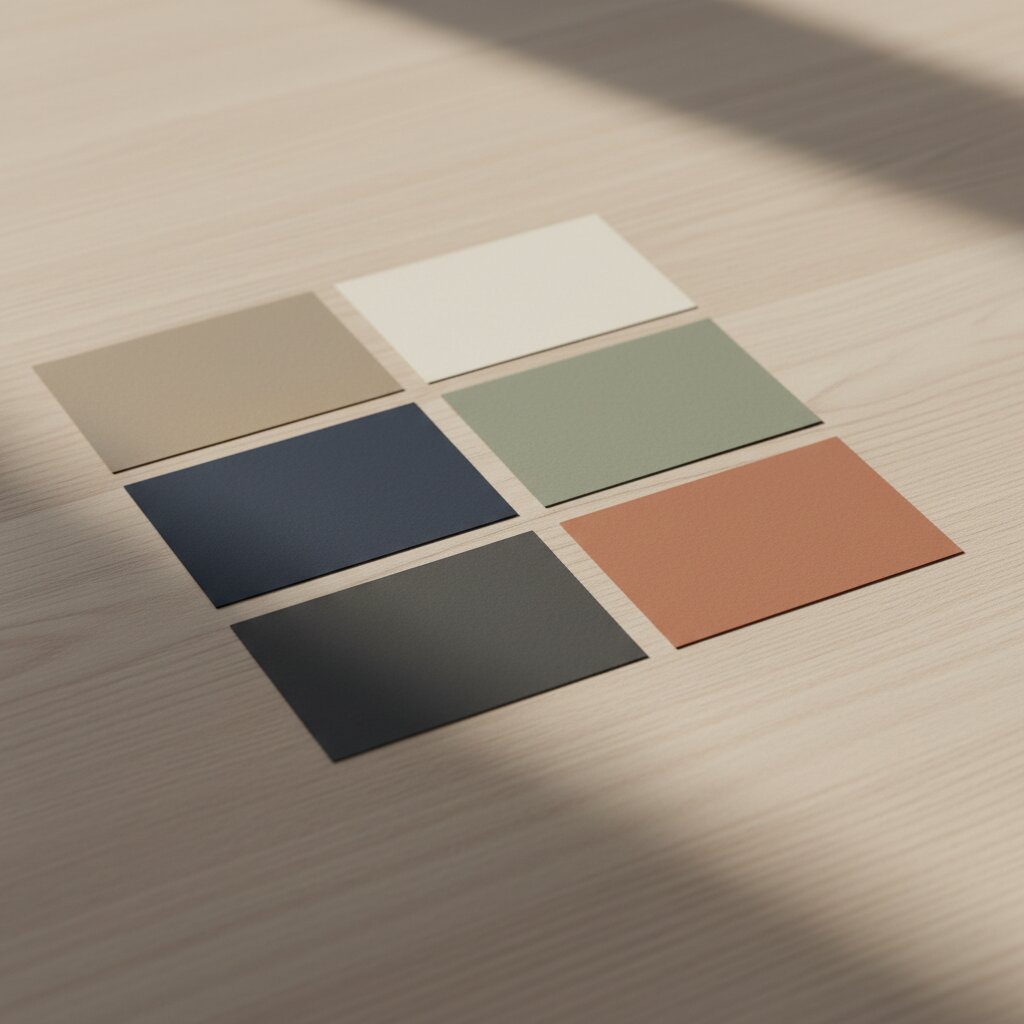
Choose one of five prebuilt styles — or, on an atelier plan, your own branded backdrop. The style sets the crop (close-up vs. half-body), backdrop, lighting, and overall feel.
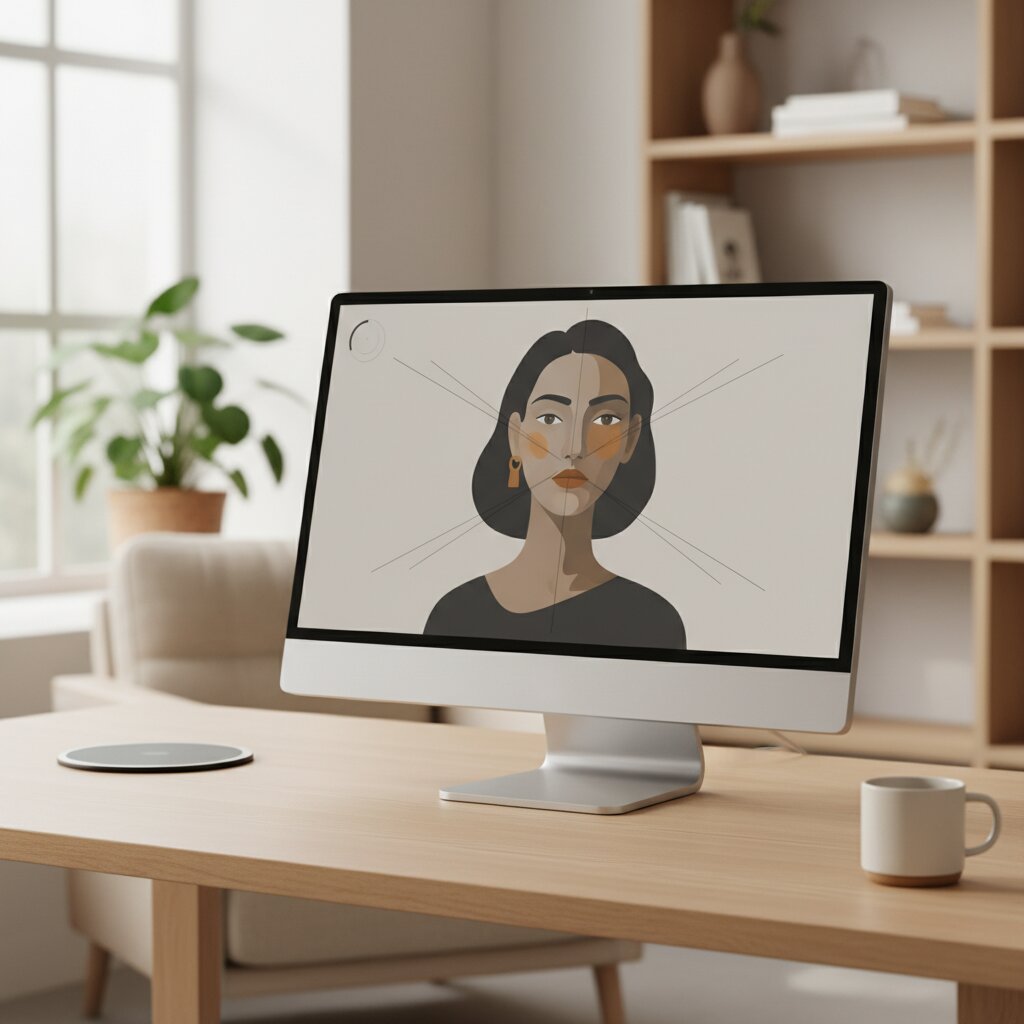
Our 13-layer prompt system pairs with OpenAI gpt-image-1.5. Identity is hard-locked — features, glasses, skin tone, tattoos. You get three versions per upload, so you can choose.
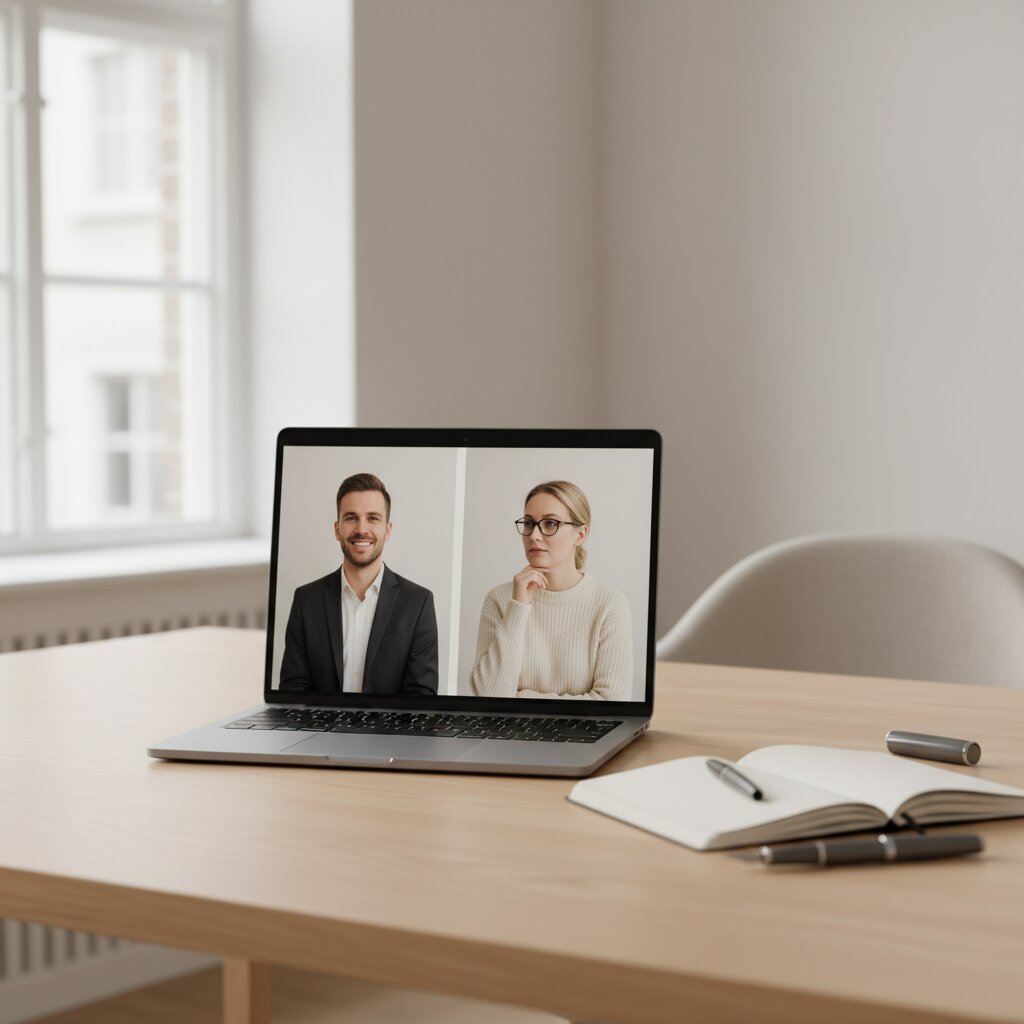
If the AI flags anything questionable — a distorted logo, a strange shadow, flyaway hair — the job routes to our photographer in Holbæk. He re-runs with adjusted prompts or hand-delivers a manual override. You don't have to do anything.
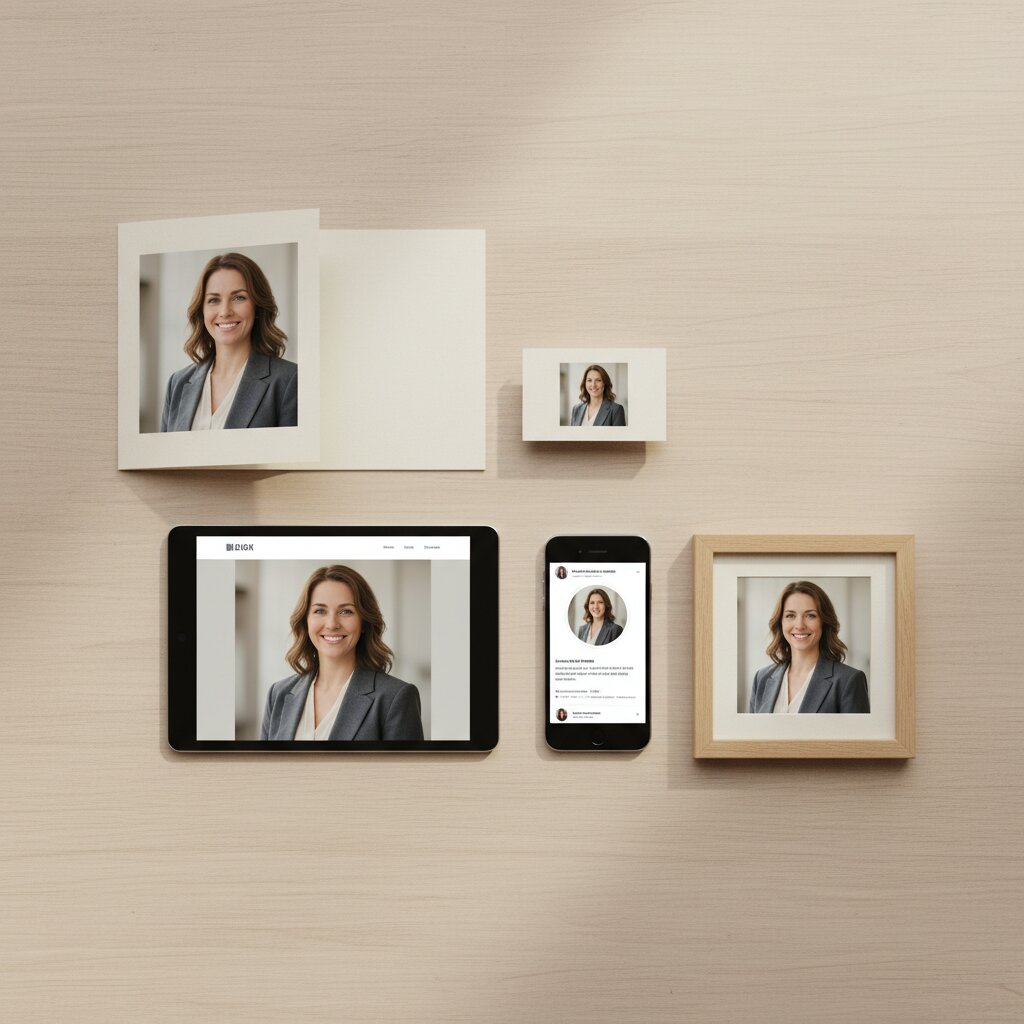
Pick your favorite version and download in five formats: LinkedIn (1024×1024), email signature (256×256), web (1200×800), print quality (high-res), or original. Ready to upload directly.